
Forward Galley
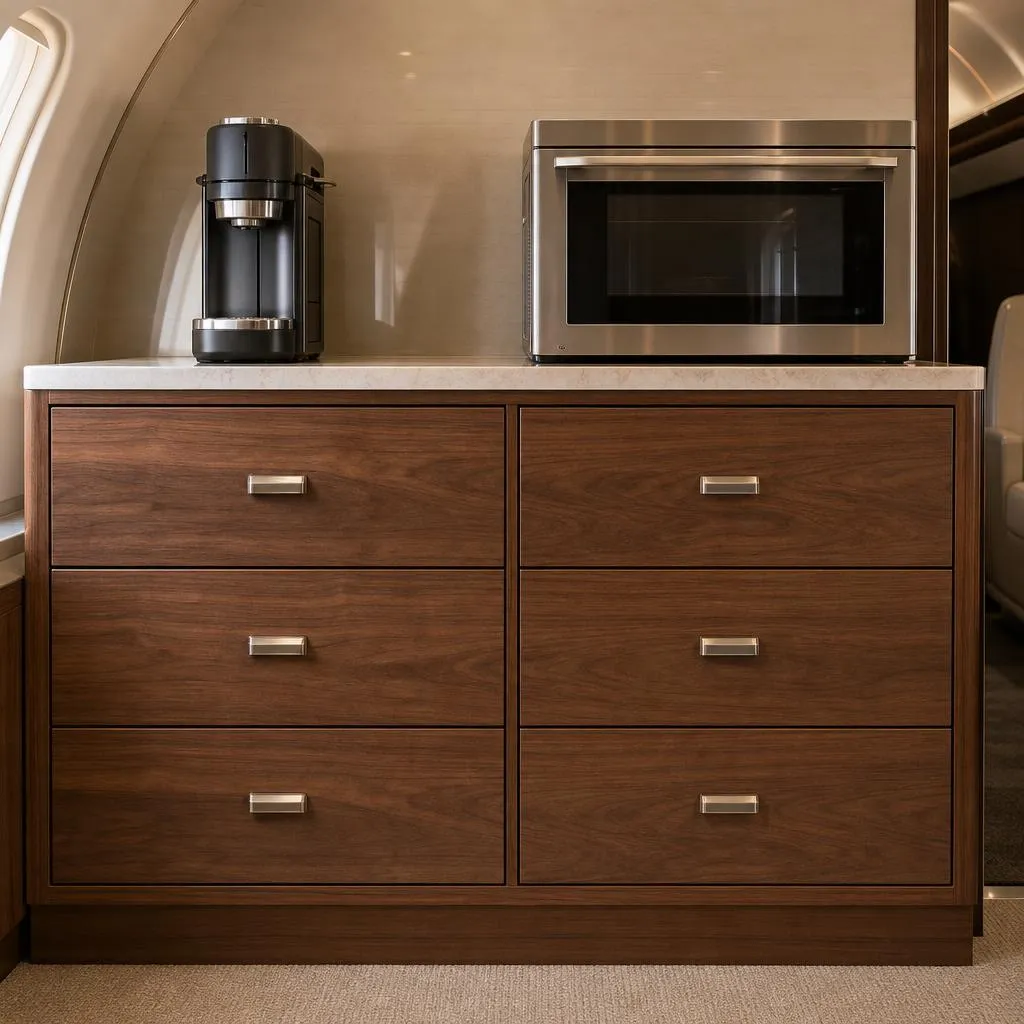
Select a drawer label to open its page.
Galley Overview · Sample Page 1Built for business aircraft pilots and operators. Photos map your galley drawers and list their contents, receipts feed Hangar Stock, and pilots tap a Pantry Run restock list after each flight.
Try Hangar Stock & Pantry Run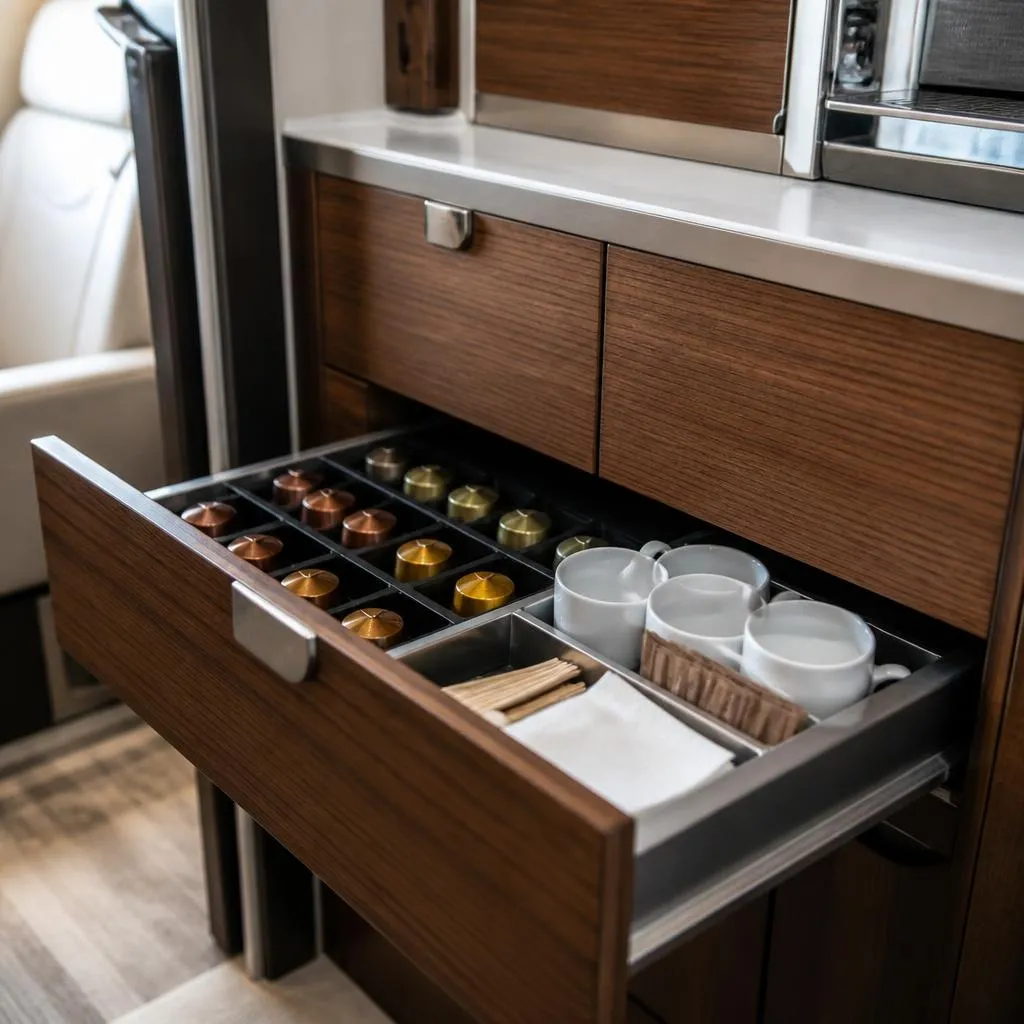
Restock pods before long sectors. Machine key is in the pocket behind the cups.
Choose another drawerIllustrative preview · Fictional sample content, not a generated PDF
Select a drawer label to open its page.
Galley Overview · Sample Page 1Galley first. Photos map each drawer, and each drawer lists what it holds.
Restock from the list. Contents feed your Pantry Run, the list pilots tap after each flight.
PDFs. Export the galley guide as a PDF from inside the app.
Fictional example. Each flight department sets up its own aircraft. Not a verified contents list.
Snap or upload a receipt photo to capture the store, date, items, quantities, prices, tax and totals. Valid scans feed Hangar Stock purchase history and your Pantry; flagged details need your review first. Use the Receipts Dashboard to monitor spending, see frequently purchased items, and review replenishment estimates. Stock-on-hand counts stay manual. This is an extracted sample, not a live scan.
2 items. Receipts record what you purchased; stock-on-hand comes from manual physical counts you enter. Build a Pantry Run in Aircraft Restock after each flight. It is separate from your shopping list, and nothing is deducted automatically.
Sample view of the Hangar Stock dashboard, as of March 14, 2025. Fictional receipts only.
The sample receipt joins this history after you accept it on the Hangar Stock tab.
Sample purchase history only. Stock on Hand stays manual and is not changed by receipts.
Practical guidance for organizing a business aircraft galley and keeping the post-flight restock routine simple.
Airplane Atlas is a galley guide and restock tool for business aircraft pilots and operators. Photos map galley drawers, each drawer lists its contents, and receipts feed Hangar Stock.
A Pantry Run is the restock list pilots tap after each flight to pull items from the hangar pantry for the aircraft. It is separate from a shopping list.
No. Receipts record purchases and add items to Hangar Stock. Stock on hand comes from manual physical counts you enter.
Yes. You can export the galley overview photo, drawer pages, and contents lists as a PDF from inside the app.
No. The demo uses fictional example data, and changes stay on the page. Your own atlas stays private to you.
Use the Request access link to send a few details about your flight department and we will follow up.